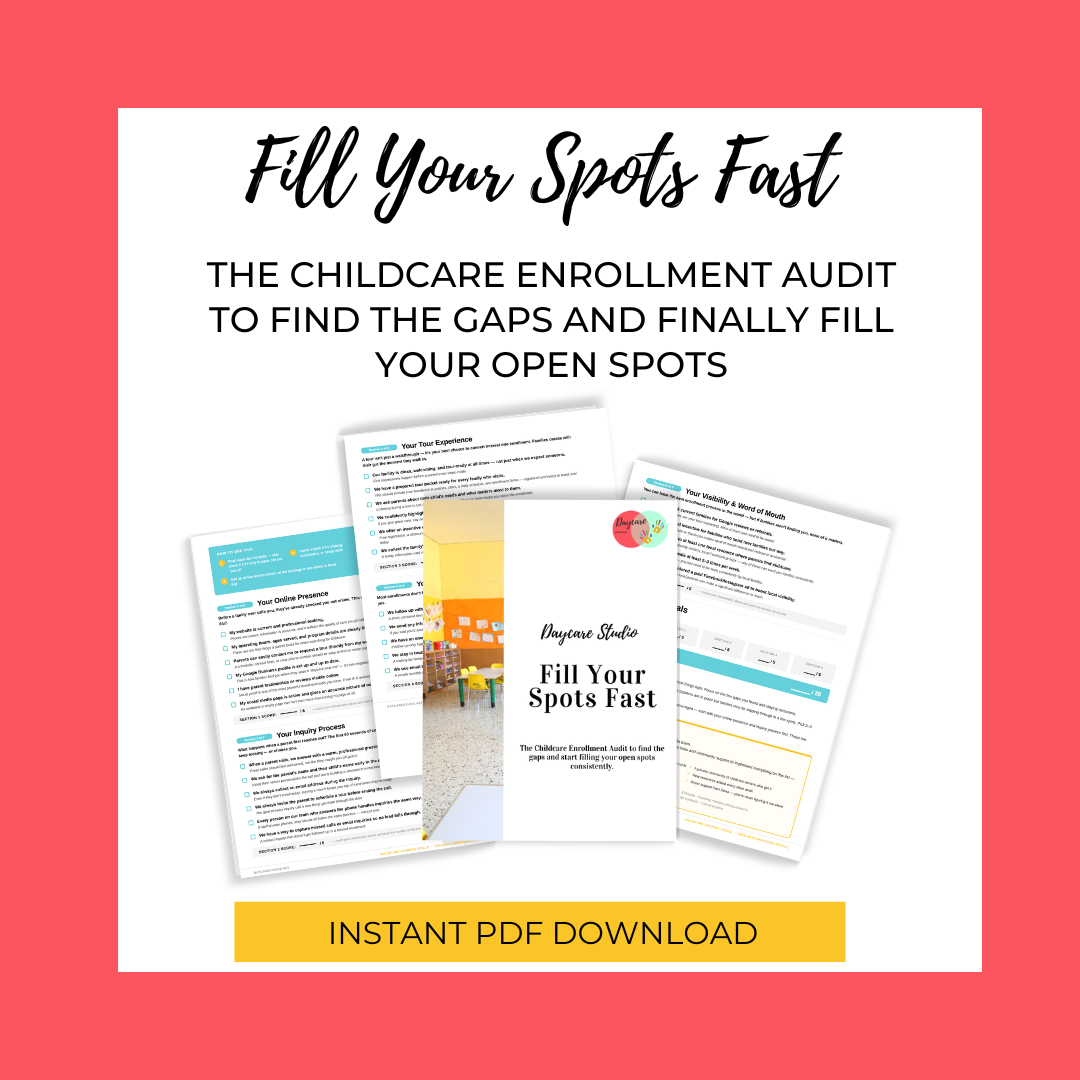
If you're new here, welcome! Before you go, snag If my FREE Fill Your Spots Enrollment Audit. It walks you through every part of your enrollment process, from how families find you online to your marketing, your website, how you answer the phone, your tours, and your follow-up.
Sometimes the problem isn't that families aren't interested.
It's that something small along the way is sending them somewhere else. This audit helps you spot exactly where that's happening, so you can stop guessing and start filling those open spots.
Having a great child care management and parent communication tool is a must for any daycare, preschool, or child care center.
There are a variety of options available to help you communicate with parents, create custom invoices, set up automatic payments, share photos, daily reporting, digital check-in and out, and more.
Whether you call it daycare software, childcare management software, or a childcare app, the right tool can save you hours a week and make your program feel a lot more professional.
If you run a childcare business, you already have enough on your plate.
Keeping track of attendance
Communicating with parents
Collecting tuition
Managing enrollment
Sending daily reports
Keeping up with paperwork
And, of course, actually taking care of the children! 😊
That's why a good childcare management app can be such a lifesaver. The right app can help you save time, stay organized, communicate with families, and make your childcare business feel a whole lot more professional.
But here's the thing…
There isn't one childcare management app that's best for everyone.
The best choice for a home daycare provider may be completely different from what works for a 150-child childcare center. So let's look at some of the most popular options and, more importantly, which one may be the best fit for your childcare business.
What Does Daycare Management Software Actually Do?
Childcare management software can help you handle many of the administrative tasks that come with running a childcare program. Depending on the software you choose, you may be able to use it for:
Attendance and check-in/check-out
Parent communication
Daily reports, photos, and videos
Meals and naps
Tuition billing and payments
Enrollment, registration, and waitlists
Staff scheduling and time tracking
Child records, lesson planning, observations
Lead management and reporting
Some apps do almost everything. Others are much simpler and focus on communication. That's actually a good thing — you don't need the most expensive or most sophisticated software available. You need the software that solves the problems you actually have.
A quick note on pricing: I'm intentionally not listing specific dollar amounts in this article, because pricing on these platforms changes often and I don't want to send you outdated numbers. As a general rule of thumb, though — home daycare tools tend to run cheaper than full center-wide systems, and most platforms scale their price with your number of enrolled children. Always confirm current pricing directly with the company before you commit.
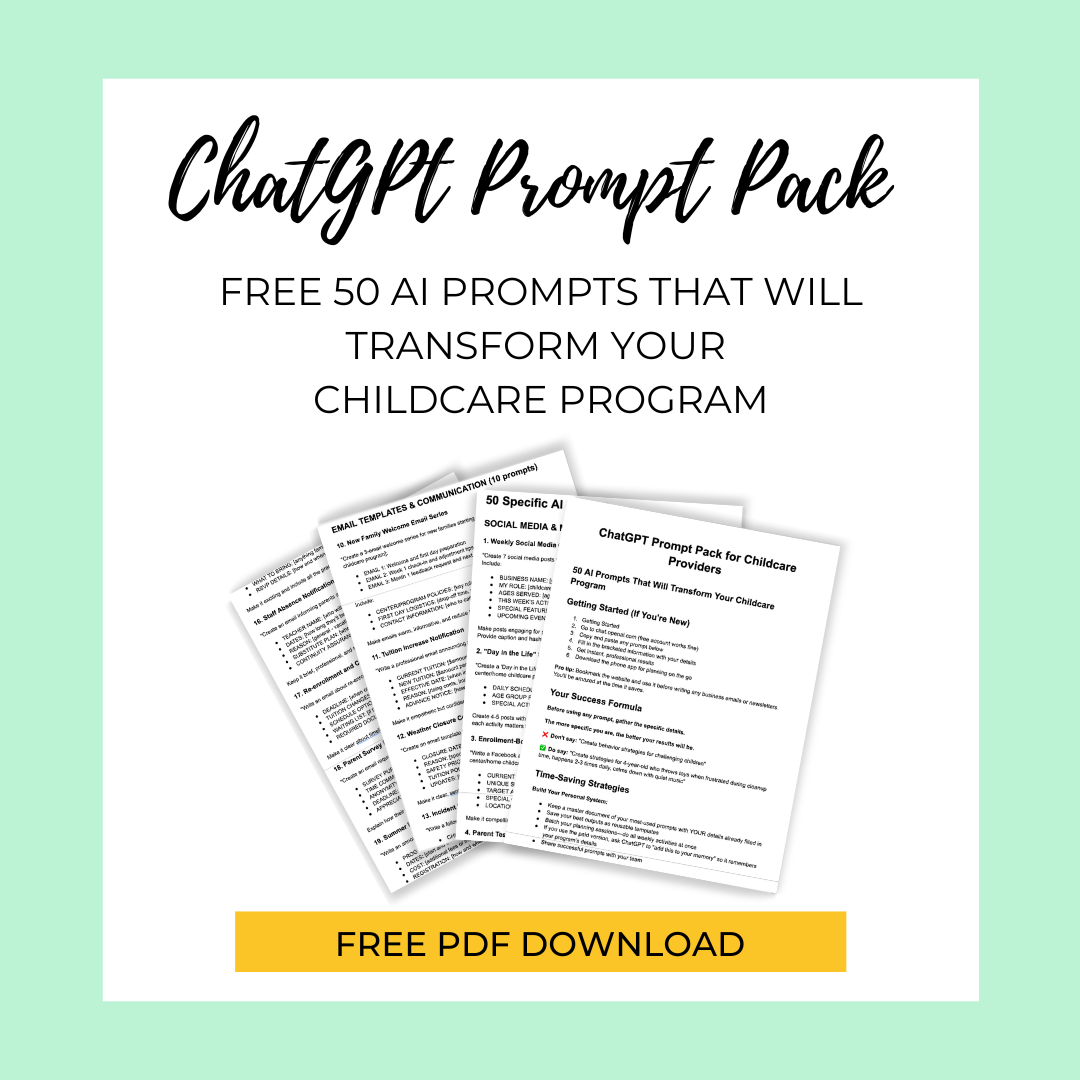
Quick side note: I put together 50 ChatGPT prompts that take everyday childcare tasks off your plate, from staff meetings to parent emails to lesson plans. They're free, and you can click the button to instantly download. 💜
Quick Answer: Which Daycare Software Fits Your Program?
Short on time? Start here, then read the section below that matches your program for the full breakdown.
Your ProgramTop PickWhyAlso Consider🏠 Home DaycareDaily ConnectReal childcare management features without an oversized systemClassDojo (free, communication-only), Brightwheel, Procare🏫 Small CenterPlayground or BrightwheelAll-in-one systems built to grow with youDaily Connect, Lillio, Procare🏢 Larger / Multi-Location CenterProcare or KangarootimeBuilt for complex billing, staffing, and multiple sitesBrightwheel, Playground
🏠 Best Childcare Management Apps for Home Daycares
If you operate a home daycare, start your search here. You may not need all of the complicated administrative features a large childcare center needs — you probably want something affordable, easy to use, professional-looking, and that makes communicating with parents easier.
1. Daily Connect — Best Overall for Home Daycare
Daily Connect was built specifically for childcare and offers the features a home daycare provider actually needs, without an overly complicated system: attendance, check-in/out, daily reports, billing, enrollment, waitlists, staff tools, lesson planning, observations, and digital portfolios.
Why I like it: It gives your home daycare a professional, center-like experience for families without requiring a huge administrative system.
👉 If you run a home daycare and want a true childcare management system, Daily Connect is one of the first apps I'd look at.
2. ClassDojo — Best Free/Simple Option for Communication
I wouldn't call ClassDojo a full business-management system like Daily Connect, Brightwheel, or Procare. Think of it instead as a parent communication and classroom engagement tool — and its core platform is free.
Worth knowing: ClassDojo was built primarily for pre-K through 8th grade classroom settings, so its billing, enrollment, and child-records tools aren't designed for licensed home daycare operations. If you just want a simple, free way to share photos and daily updates with parents, it still works well for that — just don't expect it to handle the business side of your program.
The distinction that matters:
Daily Connect = childcare management
ClassDojo = communication and engagement
If you mainly want to share photos, updates, and daily happenings — and don't need billing or enrollment tools — ClassDojo can be a fantastic simple option, especially while you're keeping software costs low.
👉 Small home daycare, communication-focused? Start with ClassDojo. Want a complete system? Look at Daily Connect.
3. Brightwheel — Best for a More Robust All-in-One System
Brightwheel is one of the best-known platforms in the space, offering attendance, communication, billing, payment processing, enrollment, waitlists, lesson planning, observations, and reporting all in one place. It's also putting more emphasis on managing prospective families, not just enrolled ones.
👉 A great fit if you're growing and want a platform that can grow with you.
4. Procare — Best for More Advanced Management Features
Procare is one of the most established names in childcare software — it's what I personally used for 20+ years at my own center. It handles everything from daily operations to complex administrative needs, and has a solution built specifically for in-home providers.
👉 Worth putting on your demo list if your home daycare is larger or has more complex billing needs.
🏫 Best Apps for Small & Growing Childcare Centers
Once you're running a center rather than a home program, your priorities shift: multiple classrooms, staff management, tuition management, enrollment, waitlists, and more sophisticated billing all come into play.
Compare: Brightwheel · Playground · Daily Connect · Lillio · Procare
5. Playground — Best for Enrollment & Lead Management
Playground is an all-in-one platform covering attendance, billing, communication, registration, enrollment, lead management, staff management, and reporting. Where it really stands out is enrollment and lead management — its CRM tools are built to help you organize and follow up with prospective families.
👉 If enrollment is one of your biggest business challenges, Playground is absolutely worth looking at.
6. Lillio — Best for Documentation & Learning
Lillio (formerly HiMama) offers digital daily sheets, parent communication, check-in, billing, child documentation, and learning/assessment tools — designed to help centers go paperless and simplify admin work.
👉 If documenting children's learning and keeping families connected are top priorities, Lillio is worth a look.
7. Kangarootime — Best for the Business Side of Growth
Kangarootime focuses on automating the business side of childcare: enrollment, lead management, billing, staff scheduling, and multi-location management.
👉 A strong option for established centers thinking about growth and multiple locations.
🏢 Best Apps for Larger or Multi-Location Centers
If you're managing more scale — more staff, more locations, more complex billing — put these at the top of your list:
Procare — most advanced administrative and reporting tools
Kangarootime — built for automating growth and multi-location management
Brightwheel — strong all-in-one option that scales
Playground — best if enrollment/lead management is still a priority at scale
7 Questions to Ask Before Choosing Your Software
Before you fall in love with an app because the demo looks pretty, ask these questions.
1. What will my TOTAL cost be? Don't just ask about the monthly subscription. Ask about setup fees, implementation, training, payment processing/ACH/credit card fees, additional locations or users, add-ons, and data migration. You want to know what you'll actually spend over a year.
2. What happens when my enrollment grows? Ask directly: "What will I pay if I grow from 30 children to 50? What about 100?" Knowing this ahead of time helps you budget for growth instead of getting surprised by it.
3. Is it easy for my staff to use? Your software may have 500 features — but if your teachers hate using it, you have a problem. Ask for a demo and let one or two team members try it before you commit.
4. Is it easy for parents? Your parents are users too. Look at the parent app, messaging, notifications, payments, check-in/out, daily reports, photos, and registration. A system can be fantastic for you and frustrating for families.
5. Can I get my data if I leave? Ask: "If I decide to leave your platform, how do I get my data?" Find out what can be exported and whether there are fees to move your information.
6. Does it integrate with the other tools I use? If you already use accounting, payroll, or marketing software, check whether it integrates. The goal is to eliminate duplicate work, not create more of it.
7. What kind of customer support will I get? Because eventually, something will go wrong. Ask whether support is by phone, email, or chat, what the hours are, whether training is included, and how quickly problems typically get resolved.
Don't Choose the App With the Most Features
This is probably my biggest piece of advice: more features does not automatically mean better software. You don't need 100 features — you need the right features.
Start by asking yourself: "What is taking up the most time in my childcare business right now?"
Billing? Find software that's great at billing.
Parent communication? Prioritize communication.
Enrollment? Look for strong lead, registration, and waitlist tools.
Staff management? Focus on scheduling and time tracking.
Daily documentation? Look for strong daily reports, photos, and recordkeeping.
Then choose the platform that solves your biggest problem — without creating a bunch of new ones.
Frequently Asked Questions
What is the best daycare management software?
It depends on your program size. For home daycares, Daily Connect or ClassDojo are strong starting points. For small to mid-size centers, Brightwheel or Playground are popular all-in-one options. For larger or multi-location centers, Procare or Kangarootime handle more complex billing and staffing needs.
What is the best software for a home daycare?
Daily Connect is one of the strongest full-featured options built specifically for home daycare providers. If you only need a simple way to share photos and updates with parents, ClassDojo's free version also works well.
Is there free daycare management software?
ClassDojo's core platform is free, though it's built for communication rather than full business management like billing and enrollment. Most complete daycare management systems charge based on your number of enrolled children.
What's the difference between a childcare app and childcare management software?
They're generally the same thing; "app" and "software" are just different ways people search for the same tools. Some, like ClassDojo, focus mainly on communication, while others, like Procare or Brightwheel, cover the full business side too.
My Final Advice
Before choosing your childcare management software, schedule demos with at least two or three platforms. Don't just watch the salesperson show you all the cool features — come prepared with your biggest frustrations and ask: "Show me exactly how your software would solve this problem." That's when you'll really start to see the differences.
And don't be afraid to say: "That's a great feature, but I don't need it."
The goal isn't the software with the longest feature list. The goal is the software that helps you run your childcare business more efficiently, with less stress and less administrative work. That's a win — for you, for your staff, and for the families you serve. ❤️
Other childcare management software options worth mentioning: Tadpoles · Sandbox · LifeCubby · ChildcareCRM · Bloomz
Whatever app you decide on, do your research and take advantage of any free trials before committing to a long-term contract.
Looking for More Childcare Business Support?
Running a childcare program is one of the most meaningful jobs there is — but it can also feel incredibly heavy, especially when you're figuring everything out alone.
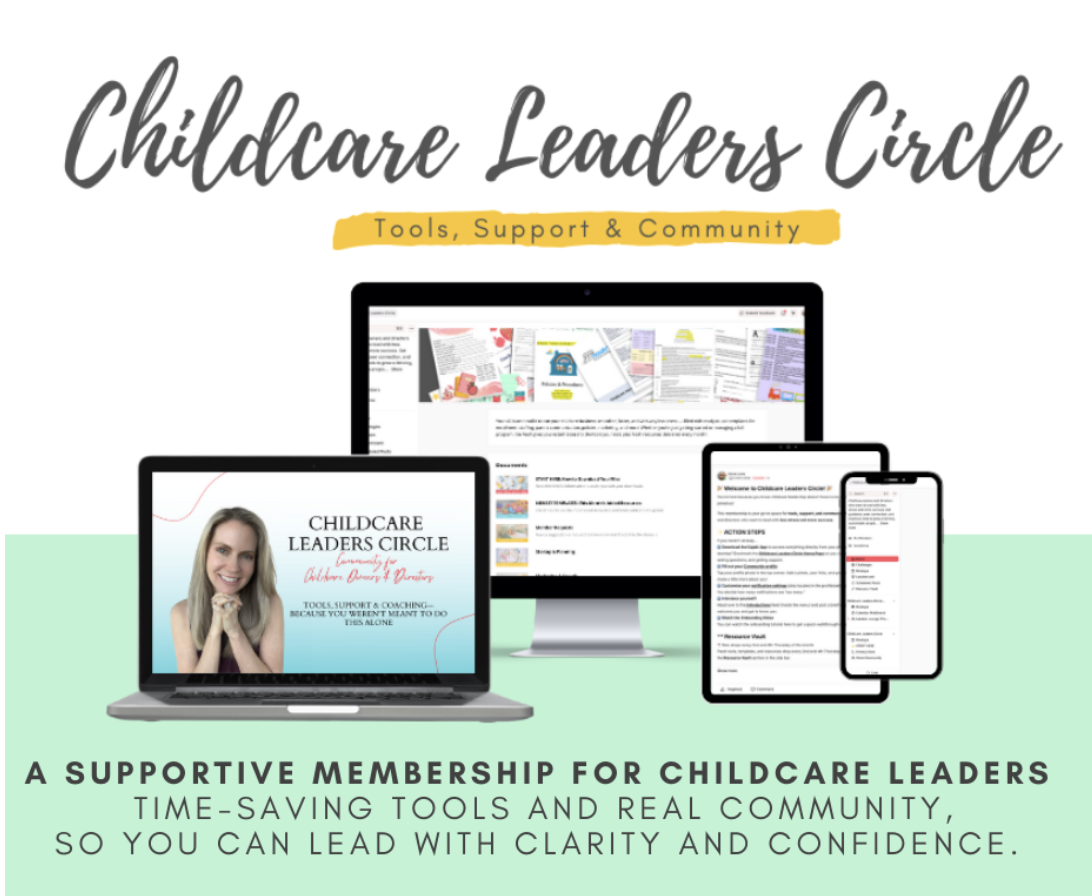
That's exactly why I created the Childcare Leaders Circle — a monthly membership for childcare owners, directors, and in-home providers who are ready to stop winging it. Inside, you'll get 150+ done-for-you templates, monthly live Huddles, focused trainings, and a private community of people who actually understand this work.
No fluff. No pressure. Just real tools, real support, and a place where you finally don't have to do it all by yourself.